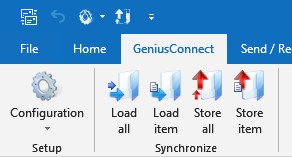
Bridge between SQL database and Outlook

GeniusConnect enables synchronization between Outlook folders and any SQL database with ODBC support, e.g., MS Access, MySQL, SQL Server, Oracle, PostgreSQL, DB2, SQLite, Sybase, FileMaker, etc.
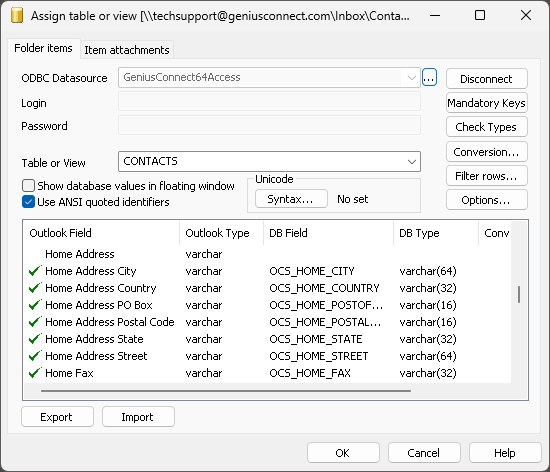
A folder can be linked to a database table or view. You can use your own table structure and define conversions for columns whose data types are not compatible with Outlook fields. It is possible to synchronize multiple Outlook or Exchange / Office 365 folders and multiple databases.
Synchronization directions
- One-way: Outlook to >> SQL database
- One-way: SQL Database to >> Outlook
- Two-way: Outlook <<>> SQL database
You can define conflict resolution rules, such as:
•Outlook overrides the database
•The database overrides Outlook
•The most recent modification overrides older changes



Folder types
Microsoft® Outlook® 2002/2003/2007/2010/2013/2016/2019/2021/2024/365
- Calendar
- Contact
- Task
- Journal
- Note
Configurations
Outlook stand-alone: works with personal folder files (.pst)
Outlook on Microsoft Exchange / Office 365 Mailbox
GeniusConnect has also been successfully used with many other servers
Technology
GeniusConnect is an Outlook Add-In that integrates seamlessly into Outlook after installation.